
Start from the machine or process duty
These pages group products by operating context. They are not customer-case claims. Use them to identify the inputs that change the selection and then follow the relevant component or equipment family to its detailed RFQ checklist.
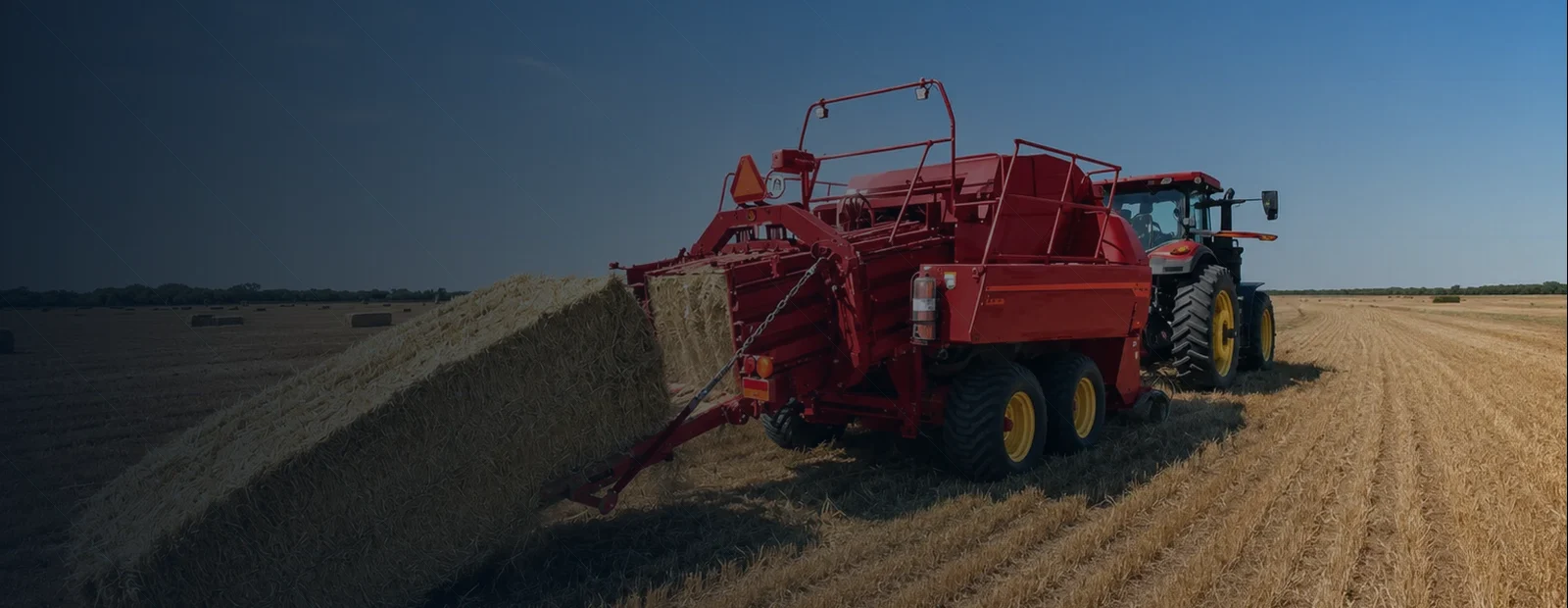
Agricultural machinery
PTO, chain, hydraulic and baler integration.

Industrial automation
Gearing, reducers, stiffness and positioning interfaces.

VOC abatement
Exhaust stream, RTO architecture and heat recovery.

Clean compressed air
Pressure, demand profile, treatment and utilities.
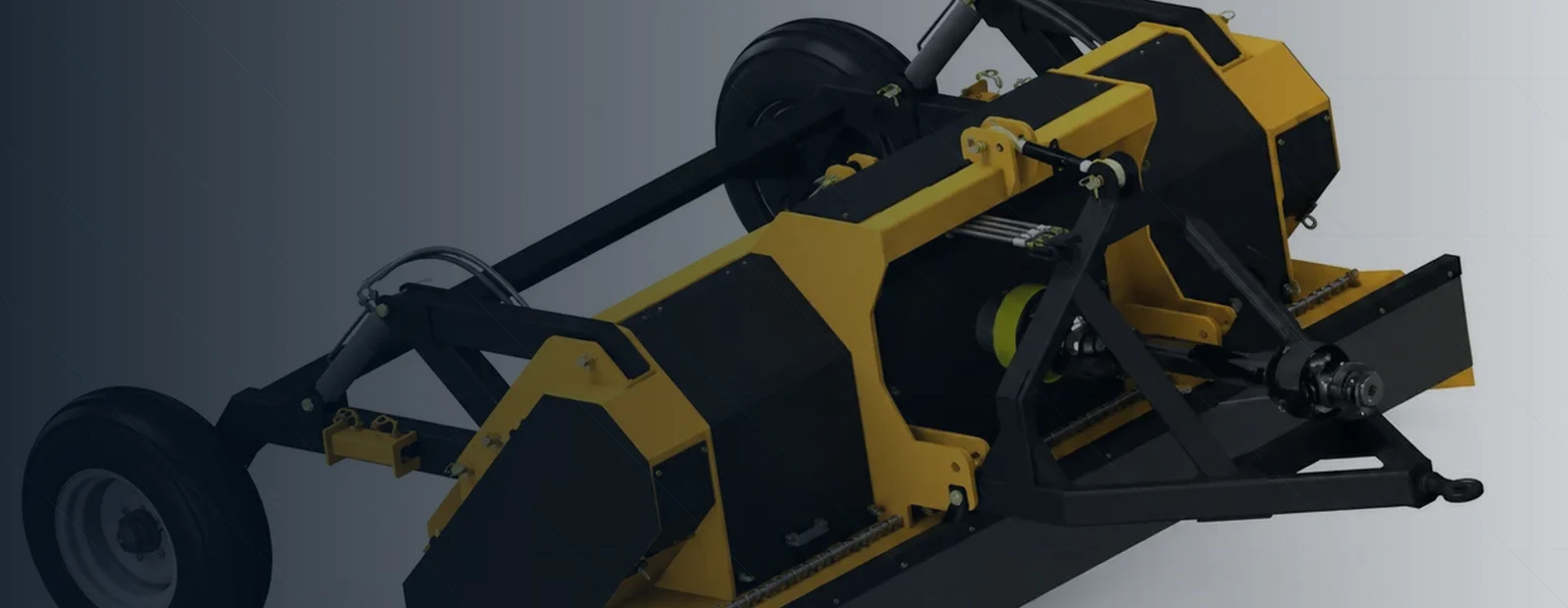
Mining & aggregate
Shock, dust, cardan shafts and crusher duty.

General industrial drives
Chain, gear, gearbox and shaft load paths.
Move from context to product without skipping the interfaces
First describe the machine/process and its duty. Second identify which product families carry the load or perform the function. Third freeze the mechanical, hydraulic or process interfaces. Finally open the relevant product family and complete its RFQ variables. This sequence avoids selecting a product solely from a familiar category name.
Machine/process
What is happening and what result is required?
Duty cycle
What is normal, what peaks, and how often?
Interfaces
What geometry, utilities and controls cannot change?
Environment
What dust, moisture, temperature, corrosion or process condition matters?
Products often interact across category boundaries
Agricultural equipment may combine PTO shafts, chains, gearboxes and hydraulic cylinders. Crushers can combine cardan shafts, gearboxes and bearings under shock. Automation can combine gears, reducers and couplings where backlash and stiffness matter. Complete equipment such as RTOs and compressors adds process or utility constraints. The application page is therefore the place to capture system interactions before individual product decisions are frozen.
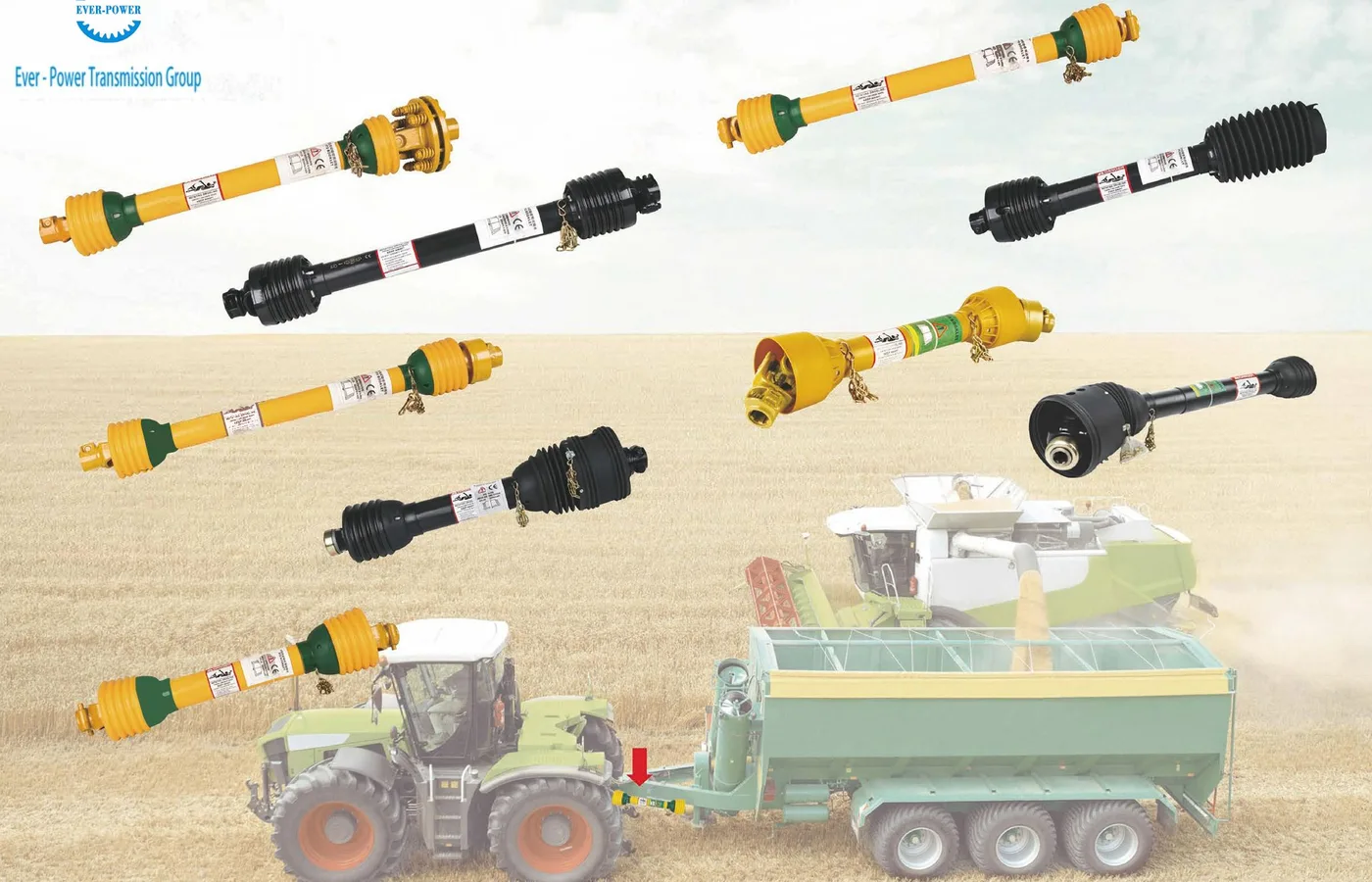
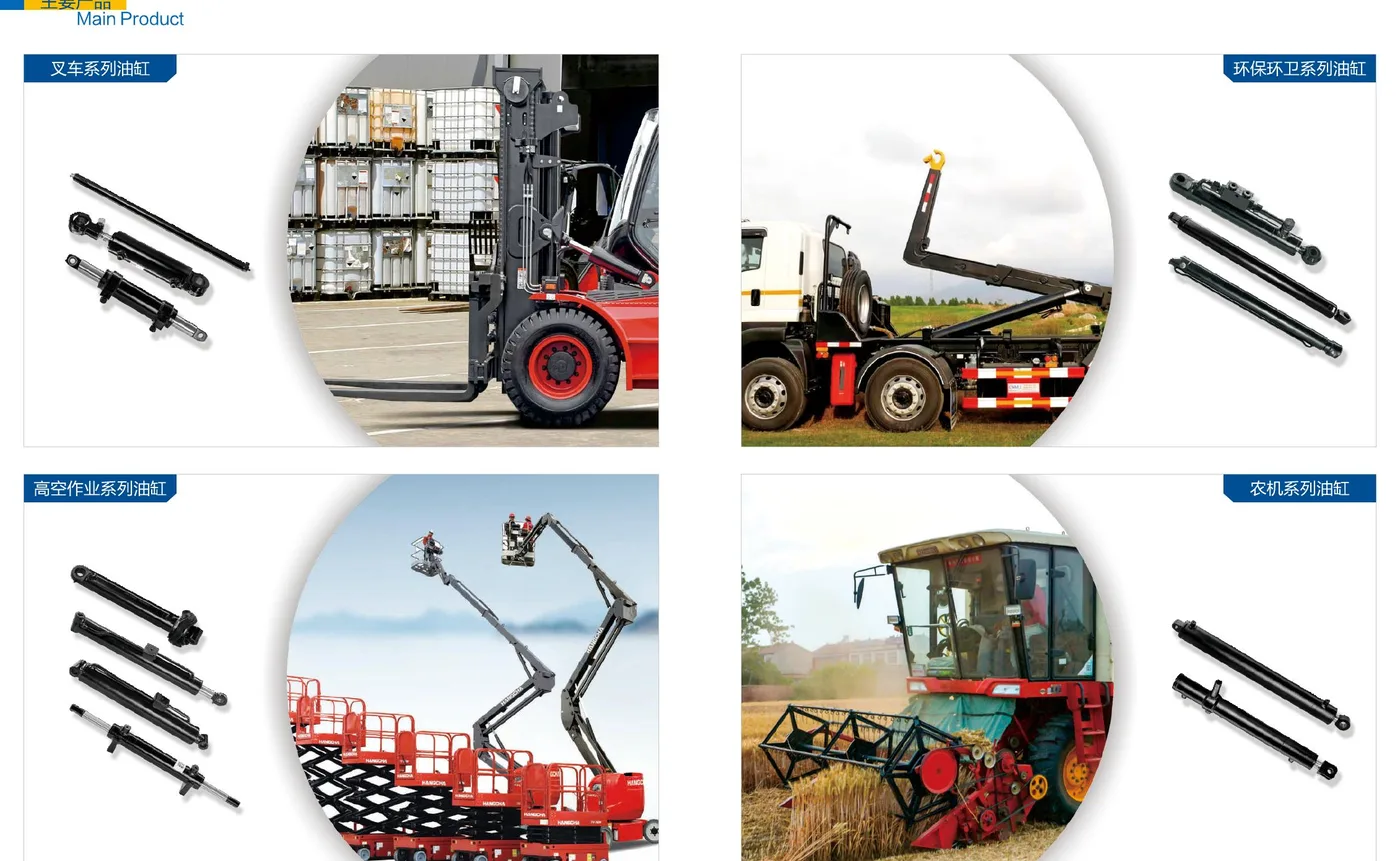
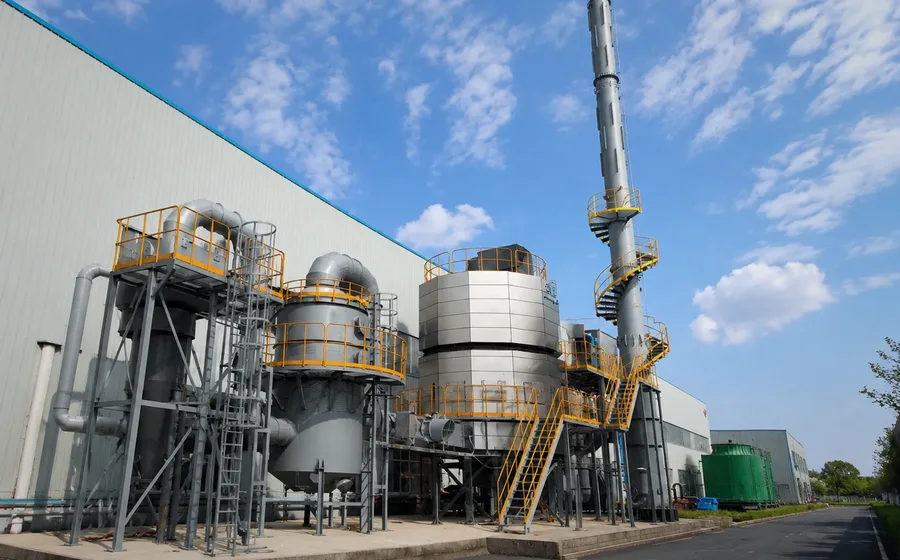
Use sample imagery to explain interfaces—not to invent customer cases
Catalogue images are useful when they show how a product family appears in a machine, where interfaces sit, or which components form a system. The site now includes direct shaft and hydraulic-cylinder catalogue views for that purpose. Generated or library-based scenes remain illustrative and are not described as verified customer installations.
When an application page references a complete machine or process, the selection text stays tied to measurable operating conditions. This prevents an application photograph from being treated as proof that every machine of that type uses the same shaft, cylinder, gearbox or process configuration.
A practical handoff between engineering and purchasing
The application page should result in a short data package that purchasing can attach to an RFQ: machine/process description, load or process duty, interface drawing, environment, quantity and the acceptance information that matters. The supplier response should then show which product family is proposed and what still requires confirmation. If the project spans several categories—for example a baler plus PTO shaft and cylinder—keep one shared operating basis so each component is not selected from conflicting assumptions.
Use the Engineering page for the shared release method and the product-family pages for detailed variables. The same global footer form can be used from any of these pages.
What makes an application page useful to a supplier
An application category is not a substitute for an equipment specification. “Agricultural,” “automation,” “mining” or “VOC” tells a supplier where the product is used, but not the load, interface or process condition. A useful application worksheet describes what the machine/process does, the normal operating envelope, the credible peak or upset condition, the interfaces that cannot move, and the environmental or service constraints that affect selection.
When several product families appear in one machine, define the shared system conditions once and then add family-specific details. For example, a baler enquiry can share the tractor PTO, field duty and crop conditions with its PTO-shaft review; the cylinder review then adds force/pressure, stroke and mount geometry. A crusher enquiry can share the prime mover and shock events with the cardan-shaft and gearbox reviews. This prevents different suppliers from solving different versions of the same system.
The final quotation should return the proposed product family or configuration, the assumptions used, the interfaces used for selection, open confirmation items and the document that will control production. Keep that release record with the order so maintenance and repeat purchasing have the same technical baseline.
Use the application context, then move into one technical workflow
The header Applications menu provides direct access to each operating context. After collecting the duty data, use the Engineering page to structure the release or open the Contact page to submit the RFQ. The product-category pages then provide family-specific variables, common subfamilies and evidence boundaries. Keep the same system-basis data when you move between those pages so connected products are not selected from different assumptions or outdated drawing revisions.
Keep one system basis when several suppliers are involved
Industrial projects often split one machine across several purchase orders. A tractor implement may source the baler, PTO shaft, hydraulic cylinder and replacement chain separately; an industrial line may source the motor, reducer, cardan shaft and driven equipment from different suppliers. If each RFQ carries a different speed, load, interface revision or environmental assumption, the components can all be individually reasonable and still fail to integrate.
Create a short shared system-basis sheet before issuing the individual enquiries. Identify the machine or process, input and output duty, controlling interface drawings, environmental conditions, operating schedule and the revision date. Then add product-family fields in separate attachments. When a common value changes, revise the system-basis sheet and notify every affected supplier.
This approach is especially useful during troubleshooting. If a shaft, chain or gearbox shows recurring wear, the team can compare the delivered configuration with the same duty and interface basis used during selection. If the operating condition has changed, engineering can review the system rather than assuming the replacement component is defective.
One duty basis
Normal and peak loads, speeds, pressures or process flows are shared across related purchase items.
One interface revision
Connected suppliers see the same shaft, mount, port, duct or envelope drawing revision.
One change record
Changes are recorded once and propagated to every affected component or equipment scope.